New Playback Option Aims to Help Users View Status Updates More Quickly
Developed, Researched & Published by PK-News.com
PK-News Digital News & Research Desk
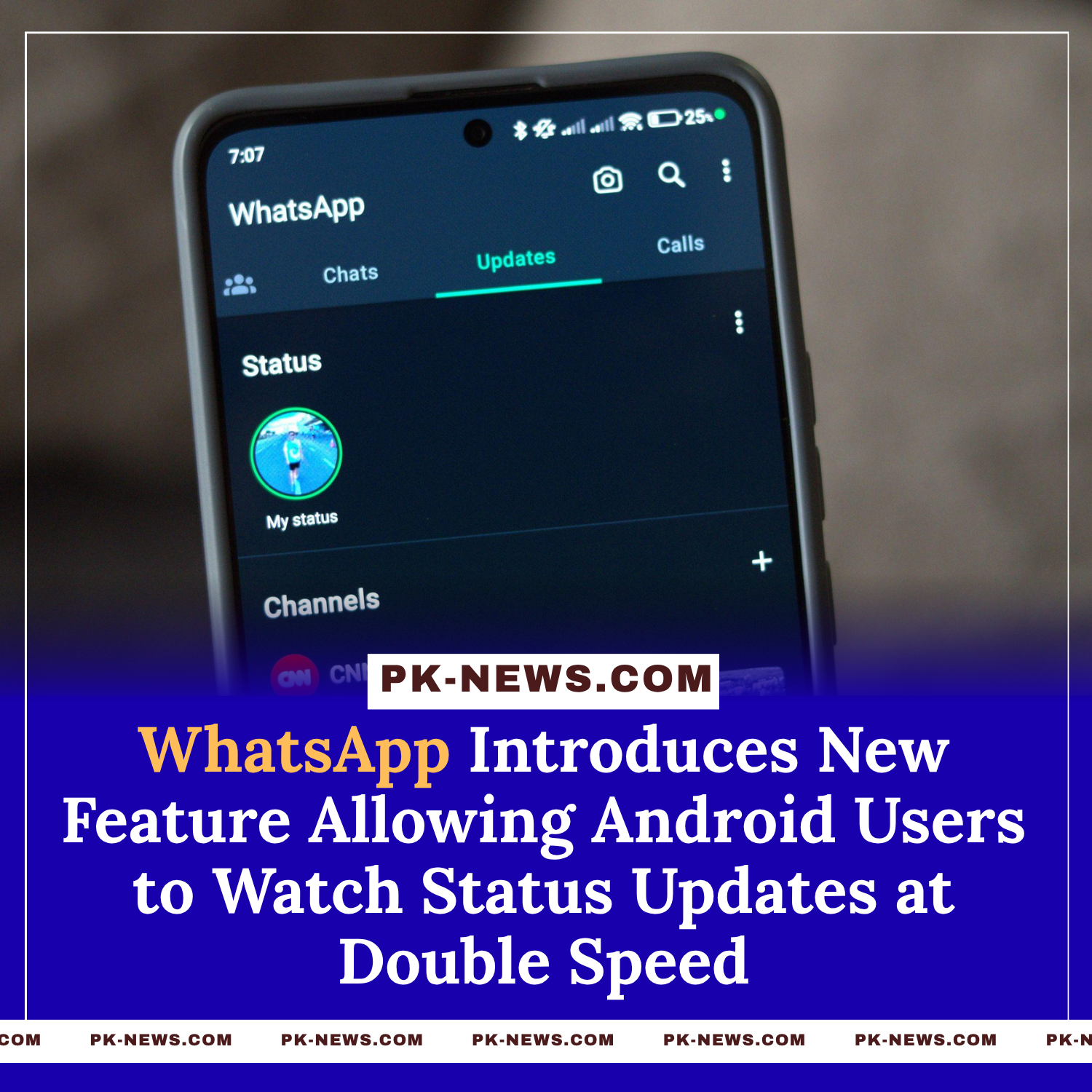
CALIFORNIA — October 10, 2026: WhatsApp has introduced a new feature for Android users that allows them to view status updates at double speed, offering a faster way to watch video content shared by friends, family members and other contacts.
The feature is designed to help users move through video statuses more quickly, particularly when they follow numerous contacts and want to catch up on updates in less time.
According to a report by Dunya News, the new option allows Android users to watch supported status videos at an increased playback speed. Availability may depend on the WhatsApp version and the rollout stage for individual users.
How the Double-Speed Feature Works
WhatsApp Status allows users to share photos, videos and other updates that disappear after a limited period. The feature has become a popular way to share everyday moments, announcements and short video clips.
With the new playback option, users can watch supported video status updates at up to twice their normal speed, reducing the time required to view longer clips.
For example, a 30-second video played at double speed would take approximately 15 seconds to watch, provided the playback control applies to the entire clip.
The option may be useful for people who regularly view numerous status updates but still want to keep up with content shared by their contacts.
Why WhatsApp Is Adding More Viewing Options
Messaging platforms increasingly compete to make their services convenient for users who consume large amounts of short-form video content.
Playback-speed controls are already familiar to users of several video platforms. Introducing similar functionality for WhatsApp Status could provide greater flexibility without requiring users to leave the messaging application.
The feature may also benefit users who prefer faster playback when viewing routine updates, tutorials or other informational videos.
However, faster playback may make some videos more difficult to understand, especially when they contain rapid speech or important visual details.
How Android Users Can Check for the Feature
Android users can follow these steps to check whether the option is available:
Open WhatsApp on an Android device.
Navigate to the Updates tab.
Open a video status posted by a contact.
Look for a playback-speed control, if available.
Select the double-speed option to watch the video more quickly.
The exact placement of the control may vary depending on the application version and interface.
If the option does not appear, users can check the Google Play Store for an available WhatsApp update. However, installing the latest version does not guarantee immediate access if the feature is being rolled out gradually.
Users should download WhatsApp updates only through official sources.
What About iPhone Users?
The report specifically refers to Android users. It does not establish when, or whether, the same feature will become available to iPhone users.
WhatsApp sometimes releases features in stages, meaning availability can differ by operating system, application version and account.
Users should rely on official WhatsApp announcements or release notes for confirmation of wider availability.
What This Means for WhatsApp Users
The double-speed playback option represents a convenience-focused change to the way people view video statuses. It could save time for users who follow many contacts and frequently watch short clips throughout the day.
At the same time, its usefulness will depend on how easily the control can be accessed and whether it becomes available to a wider range of devices.
As messaging applications continue to evolve, small changes to everyday features can influence how people share and consume content.
PK-News.com will continue to report on WhatsApp updates, Android features, digital technology and the latest developments in messaging applications.
16
Global
😐 Neutral
WhatsApp Introduces New Feature Allowing Android Users to Watch Status Updates at Double Speed
Related Articles You May Like
Related News









Comments (0)
Leave a Comment
No comments yet. Be the first to comment!